
From Scroll to Sale: The Creator's Complete Guide to Shopapost
By Greg Lewis · May 23, 2026
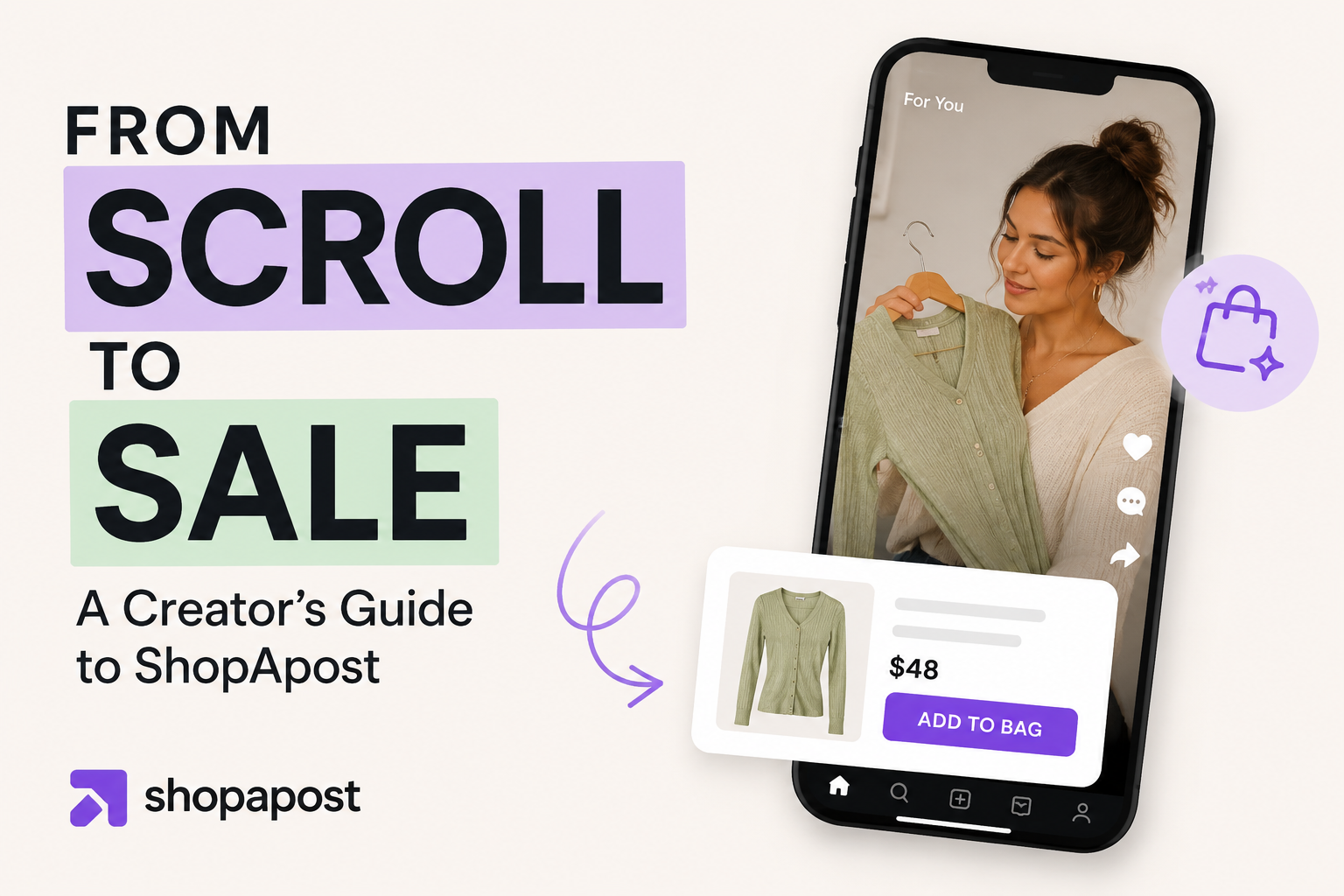
How creators and marketers turn social content into actual sales with Shopapost — features, best practices, and a real-world example.
Shopapost Team · Social Commerce · Creator Strategy · Monetization
The gap between great content and actual sales
You post a photo. Your audience loves it. Comments pour in: "Where is that from?" "Link?" "Need this."
You reply with "link in bio" — and watch most of them never make it there.
It's one of the most frustrating experiences in the creator economy. You've done the hard part. You've built trust, grown an audience, and created content that genuinely moves people. But somewhere between the tap of that heart button and the moment they'd actually buy, you lose them.
This isn't a content problem. It's a friction problem.
Every extra step a buyer has to take — copy a link, open a browser, search for the product, re-enter their details — is a step where they can (and do) drop off. Impulse purchases live and die on convenience, and the traditional "link in bio" setup was built for a world where social media was about sharing, not selling.
That world is gone. And Shopapost was built for the one we're in now.
What is Shopapost?
Shopapost is a social commerce platform that turns your regular social content into shoppable experiences — without changing how you create.
In plain terms: it lets you tag products directly in your posts, stories, and videos, so your audience can go from "I love this" to "I bought this" in just a few taps. No leaving the app. No dead-end bio links. No friction.
But Shopapost isn't just another product tagging tool. What sets it apart from native platform shopping features (like Instagram Shopping or TikTok Shop) is flexibility and control. You're not locked into one platform's ecosystem, one marketplace, or one set of rules. Whether you're an independent creator promoting affiliate products, a small brand selling your own line, or a marketing team managing campaigns across multiple channels, Shopapost gives you a single hub to manage it all — with real analytics to show what's actually working.
It's built for:
- Content creators and influencers who want to monetize their audience without feeling like a walking billboard
- Social media marketers who need to connect content performance to actual revenue
- Small business owners running lean teams where every post needs to pull its weight
Why social commerce is exploding right now
Social commerce — buying products directly through social media content — isn't a trend. It's a structural shift in how people shop.
Global social commerce sales are projected to surpass $1 trillion by 2028, and that number is being driven by a simple behavioral change: people are spending more time in apps than on websites, and they expect to be able to act on what they see without leaving.
A few things are fueling this:
The discovery-to-purchase funnel has collapsed. Not long ago, a consumer might discover a product on Instagram, go to Google, visit a website, and then decide whether to buy. Today, they expect to complete that entire journey inside the app where they first saw it. Platforms know this, which is why every major social network has invested heavily in native commerce features.
Creator trust outperforms brand advertising. Study after study shows that consumers trust creator recommendations more than traditional ads. When someone whose content you follow genuinely vouches for a product, the psychological distance between "I want this" and "I'm buying this" shrinks dramatically.
Mobile-first shopping is the norm, not the exception. The majority of social media usage — and a growing majority of online purchases — happen on mobile devices. Shoppable posts are native to that experience in a way that external links never will be.
For creators and marketers, the opportunity is real. But capturing it requires the right infrastructure — one that makes the path from content to checkout as short as possible.
Core features and how to use them
Getting started with Shopapost is designed to be fast. Here's what the platform gives you and how to make the most of each feature.
Setting up your first shoppable post
After connecting your social accounts and importing or adding your product catalog, creating a shoppable post takes minutes. You select or upload your content, tag the relevant products (including price, product name, and direct purchase link), and publish. Shopapost handles the formatting across platforms so the tags display correctly whether you're posting to Instagram, Facebook, Pinterest, or your own site.
Start with one product per post while you're learning. Over-tagging is a common early mistake (more on that below).
Product tagging across formats
Shopapost supports tagging across static images, carousels, short-form video, and stories. Each format has slightly different best practices:
- Images and carousels: Tag the product at the point it appears in the frame — a tagged jacket should have its pin on the jacket, not floating in a corner.
- Video: Use time-based tags that appear when the product is on screen, not throughout the entire video. Constant pop-ups train viewers to tune them out.
- Stories: Keep it to one featured product with a clear swipe-up or tap prompt.
Link-in-bio storefronts
Shopapost lets you build a branded mini-storefront that lives at your bio link. Instead of sending followers to a single URL that goes stale, your storefront updates automatically to reflect your latest tagged products. It's a curated, shoppable version of your feed — and it works for audiences who prefer to browse before buying.
Analytics: what to track
This is where Shopapost earns its place in a serious content strategy. The analytics dashboard shows you:
- Click-through rate per post — which content is driving product interest
- Product tap rate — which items are getting attention within a post
- Conversion rate — what percentage of clicks result in purchases
- Revenue attributed per post — the actual dollar value of each piece of content
The goal is to connect content decisions to business outcomes. If your carousel about morning routines drives three times the revenue of your standard product photo, that's a signal worth acting on.
Best practices for creators
The creators who do best with shoppable content have one thing in common: they treat commerce as part of the content, not a layer on top of it.
Keep your authentic voice intact
The quickest way to lose your audience's trust is to make every post feel like an ad. Product integration works best when it's native to your content — when what you're selling is genuinely part of the story you're telling.
Instead of: "Use the link below to shop this look!"
Try: "I've been wearing this jacket three times a week since I got it — tagged below if you want to grab one."
Same product. Completely different energy.
Prioritize these content formats
Not all formats convert equally. Based on social commerce performance data, these tend to work best:
- Carousels: Multiple images let you show a product from different angles or in different contexts, which increases confidence before purchase.
- Reels and short video: Demonstration content — showing how something works, fits, or feels — drives significantly higher conversion than static images for most product categories.
- Stories with limited-time offers: Urgency works. A story promoting a 24-hour discount on a tagged product creates a natural reason to act now.
- UGC-style content: Low-production, authentic-feeling content consistently outperforms polished brand content for creator accounts. Lean into it.
Time posts around product drops and promotions
A shoppable post during a product launch or sale is worth ten times one posted on a random Tuesday. Coordinate your content calendar with your (or your brand partner's) promotional schedule. Build anticipation before the launch with non-shoppable content, then deploy your shoppable posts at the moment when purchase intent is highest.
A/B test everything
Shopapost's analytics make it straightforward to test variables systematically. Try different:
- Caption styles (emotional vs. informational)
- Product tag placement in the frame
- Number of products tagged per post
- CTA phrasing in captions and stories
Small tests, run consistently, compound into significant conversion improvements over time.
A real-world example
Let's walk through what this looks like in practice.
Imagine a creator with 35,000 Instagram followers in the home décor niche. Before Shopapost, their monetization setup was a single link-in-bio pointing to an affiliate roundup post on their blog. Followers who saw a product they liked in a post had to: remember to check the bio, find the blog link, scroll through the roundup, find the right product, and click through to the retailer.
Most didn't make it.
After switching to Shopapost, they tagged products directly in each post and set up a storefront at their bio link that auto-updated with their latest content. Within the first month:
- Click-through rate on tagged products rose from roughly 1.2% (estimated blog traffic per post) to 4.7% (directly measured in Shopapost)
- Their top-performing Reel — a 45-second "how I styled my living room" video with three tagged items — drove more affiliate revenue in one week than the entire blog roundup had in the previous month
- They identified that carousel posts generated 2x the product taps of single-image posts, and shifted their content mix accordingly
The content didn't change. The infrastructure did.
Common mistakes to avoid
Even with the right tools, a few missteps can undermine your shoppable content strategy.
- Over-tagging every post. If every single post is shoppable, followers stop noticing the tags. Be selective. Reserve product tags for content where the product is genuinely central to the post — not an afterthought.
- Ignoring mobile UX. Check every shoppable post on a phone before publishing. Tags that look well-placed on desktop can obscure a face or key part of the image on a smaller screen. The majority of your audience is on mobile. Design for them first.
- Skipping the analytics review. Posting consistently is good. Posting consistently and never looking at what's working is just busy work. Set a weekly 15-minute ritual to review your top performers and adjust your strategy accordingly.
- Promoting products that don't fit your niche. The fastest way to erode the trust you've built is to tag products your audience can tell you don't actually use or believe in. The short-term commission isn't worth the long-term cost. Only promote what you'd genuinely recommend.
Getting started with Shopapost
Here's a simple checklist to get your first shoppable post live:
- Connect your social media accounts
- Import your product catalog or add affiliate products
- Set up your link-in-bio storefront
- Create your first shoppable post (start with one product)
- Publish and check the analytics after 48 hours
- Iterate based on what you see
Shopapost offers a free plan to get started, with paid tiers that unlock advanced analytics, multi-platform publishing, and team collaboration tools as your needs grow.
Ready to set up your account? Head to shopapost.com to get started.
Every post can work harder
You're already doing the hard part. You're showing up, creating content, building an audience that trusts you. Shopapost is just the infrastructure that makes sure that work actually converts.
Start small. Tag one product in your next post. Check the analytics. See what happens. You might be surprised how much buying intent was already there — just waiting for a shorter path to checkout.
And if this was helpful, share it with a creator friend who's still sending their audience to a single link-in-bio. They'll thank you for it.
Have questions about getting set up? Drop them in the comments or reach out to the Shopapost team directly.
Creator commerce changes every week. I read everything so you don't have to.
One email a week. What's working in affiliate and creator commerce right now, from someone doing this since 1997. No fluff, no pitch fests, unsubscribe anytime.